
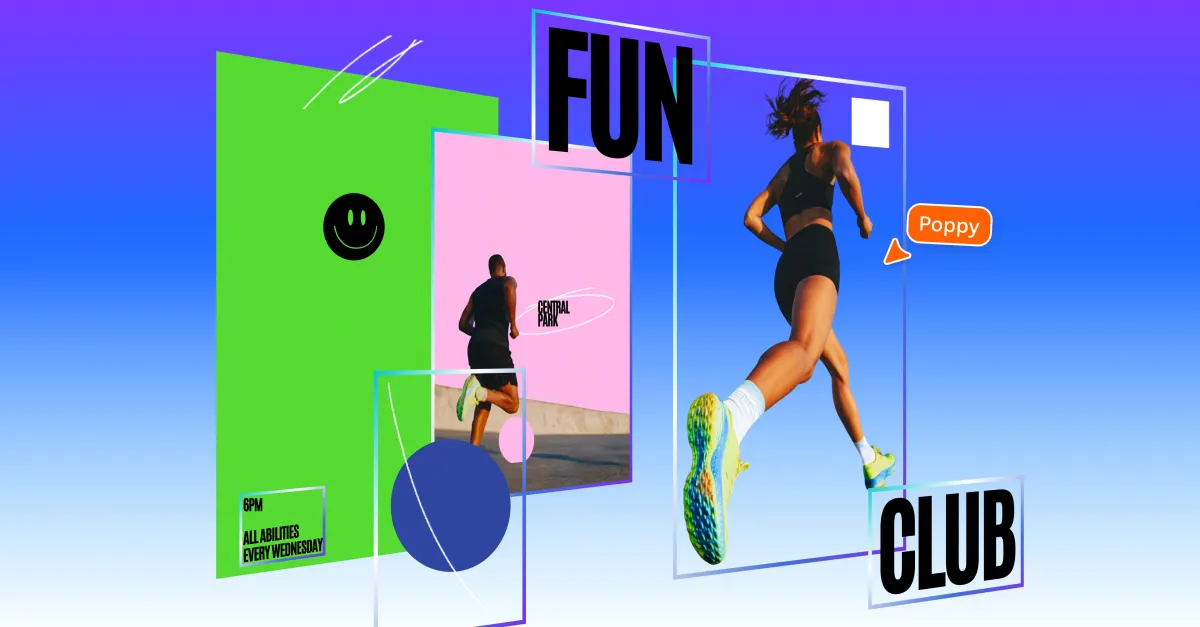
Canva has revolutionized design with its latest feature, Magic Layers, which allows users to transform flat image files into layered, fully editable designs. This innovative tool is now available in public beta across the United States, United Kingdom, Canada, and Australia, expanding creative capabilities for both casual users and design professionals alike.
Cameron Adams, Canva’s Chief Product Officer, expressed enthusiasm for the new feature, stating, “After a breakthrough from our AI research team, we’re introducing Magic Layers so anyone can take a flat image and turn it into a fully editable design inside Canva. There’s no need to start over or navigate complicated prompts; real creative freedom comes from editing without losing momentum.”
The Magic Layers feature isn’t restricted to AI-generated graphics; it supports any single-page PNG or JPEG files, with plans for expanded functionality in the future. This focus on versatility aligns with Canva’s history of integrating generative AI tools into its platform, allowing users to make nuanced adjustments without the need to regenerate an entire image.
Compared to other creative software, Magic Layers stands out. While competitors like Adobe have begun incorporating generative AI features, they generally do not facilitate comprehensive separation of design elements into editable layers. Instead, they create distinct layers for newly generated content, which means adjustments are less seamless.
However, Magic Layers not only enhances manual editing but also may blur the lines between traditionally crafted designs and those generated by AI. As image generators produce flat images, having accessible layer structures allows creators to demonstrate their artistic process more vividly, preserving the integrity of their unique contributions in a digitally generated landscape.
For creators eager to enhance their design prowess, Magic Layers offers an exciting avenue for refined control and creativity, reinforcing Canva’s commitment to empowering users in the digital design space.
